A business card is often the first physical impression someone has of your brand. Even in a digital world, handing someone a well-designed card still feels professional and memorable. The key is customization and uniqueness. You must make sure that your card reflects your logo, colors, typography, and overall brand identity in a unique and memorable way.
Today, with AI-powered design tools, this process can be very simple. You can create a logo, match it to your business card, and even connect everything to your website and social profiles. The best thing is that you can do it all in just minutes.
Top 3 Business Card Makers
In this article, we will review three of the best platforms that can help you create fully customizable business cards.
- Design.com
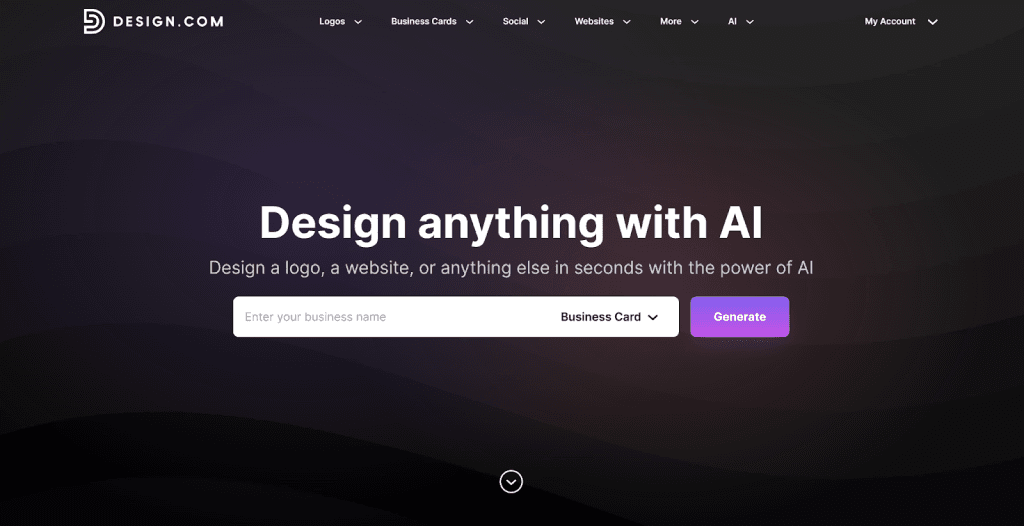
Design.com is built as an all-in-one AI design and branding platform. With this platform, you can design business cards, as well as create your logo, website, social graphics, and more, all in one place.
What makes it a strong option is how everything connects together.
Built Around Your Logo
Not only does Design.com offer a massive library of business card templates (over 400K), the platform also offers over 400,000+ logo templates and more than 1 million total design templates. Once you create a logo, business card templates automatically apply your brand colors and style. This saves time and keeps everything consistent.
You can also choose to upload your own logo to the platform if you already have one. Using AI, Design.com will automatically pick out your business name and brand colors – and apply them automatically to business cards.
Deep Customization Without Design Skills
The platform includes:
- 750+ fonts (including 525+ exclusive fonts)
- 62,000+ vector shapes
- AI editing tools for logo icons and text
By using Design.com, you can adjust layouts, fonts, and colors easily. Even beginners can create professional designs for their businesses.
Files You Actually Need
When you download a design you created, even a free one, you receive:
- SVG, EPS, and PDF (vector files)
- PNG and JPG
- Transparent background version
- Icon-only version
These file types are important if you plan to print professional business cards.
More Than Just Business Cards
As well as offering a market leading business card design tool, Design.com also has a generous free design offering:
- A selection of high-quality free logos
- Free business cards, flyers, posters and more
- A free website builder
- A free digital business card maker
- A free link-in-bio tool
You can publish these 100% for free. The full suite includes 50+ design tools, though downloading designs created with those tools requires a premium plan.
If you want your business card to be part of a bigger brand system, not just a standalone design, Design.com and their AI design platforms makes that possible.
- BrandCrowd
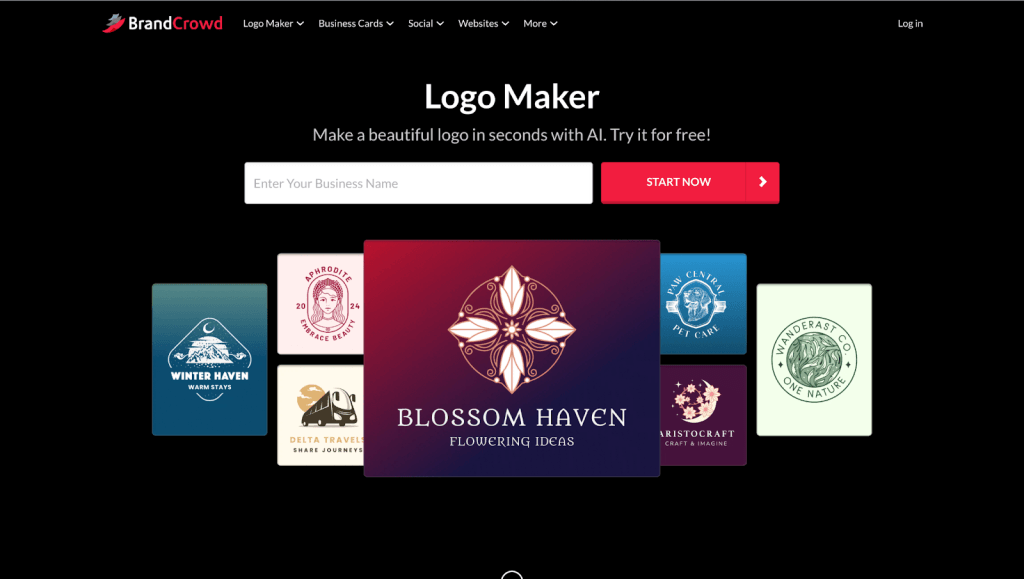
BrandCrowd is another well-known design platform with a strong focus on logos and branding materials. It offers similar flexibility but puts strong emphasis on template variety and licensing options.
Huge Template Selection
BrandCrowd offers over 380,000+ logo templates and more than 1 million total design templates. This gives you a wide range of styles across different industries.
Business cards can be generated from your logo design and customized further.
AI-Assisted Editing
You can edit logo icons and text using AI tools. Adjustments to fonts, shapes, and layouts are simple, even if you have no design background.
The platform also provides:
- 750+ fonts
- 62,000+ vector shapes
- Exclusive design assets
Extended Licensing
BrandCrowd offers extended licenses that allow customers to remove a logo template from the public library for exclusive use. This can be helpful for businesses that want extra control over brand uniqueness.
Free Logo Access
When downloading a free logo design on this platform, you receive:
- Vector files (SVG, EPS, PDF)
- Raster files (PNG, JPG)
- Transparent and icon-only versions
Similar to Design.com, here you can also unlock:
- A free website builder
- A free digital business card maker
- A free link-in-bio tool
Publishing those is also free, but downloading designs created with the extended branding tools requires a premium subscription.
BrandCrowd is a strong option if you want a large template variety and licensing flexibility.
- Logo.com
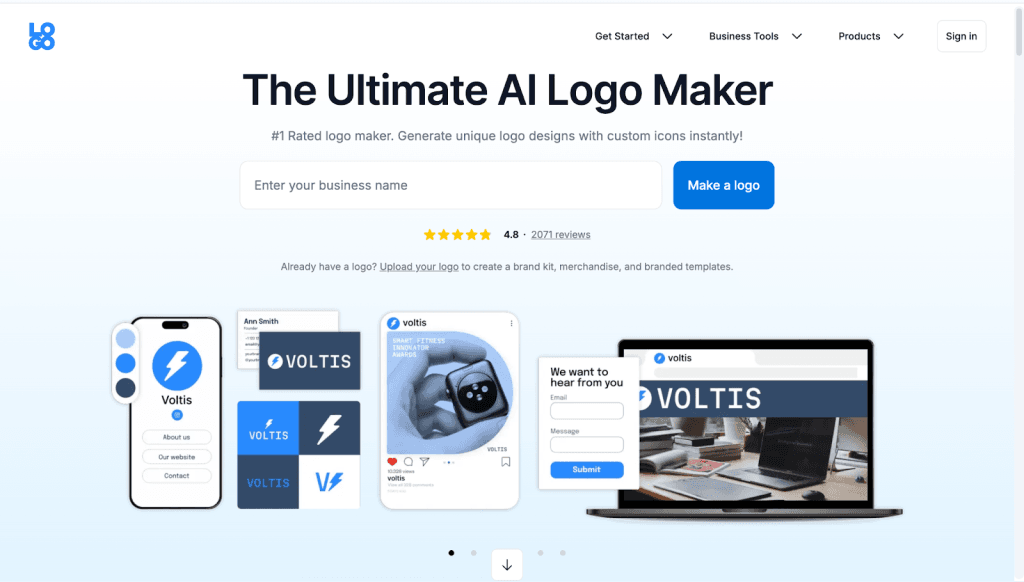
Logo.com is an easy-to-use logo maker that also helps you customize branded designs for business cards and related materials. It’s especially appealing if you want a free or low-cost way to start building a brand identity.
Simple logo creation with free downloads
Logo.com’s logo maker quickly generates professional designs based on your business name and preferences. You can then customize:
- Icons
- Fonts
- Colors
- Layouts
and get unlimited logo options to choose from.
Once created, you can download your logo files for free — including vector formats like SVG — which are essential for print and business card designs.
Read More: Instagram Bio vs WhatsApp Description | Key Differences
Brand kit basics
Logo.com also helps you build out basic brand assets beyond the logo. This includes:
- Brand color palettes
- Font pairings
- Usage guidelines
These elements make it easier to apply your logo consistently across business cards, websites, and other marketing materials.
Business card design support
While Logo.com doesn’t offer its own card printing service, you can export your files and print them wherever you prefer.
Conclusion
Custom business cards are still a powerful way to make memorable connections. The right design platform can help you create cards that match your logo and brand identity, without the need for design skills or expensive software.
No matter which tool you choose, modern design platforms make it easier than ever to create professional, fully customizable business cards that fully reflect your brand and help you stand out in the market.
Read more related blogs and guide on InstaCreator. Also Join us WhatsApp.